How to sign up for Prediction Markets Pro
All Odds Assist Pro users get limited access to our prediction market tools. To unlock full access to Earnings Mentions and Politics Mentions data, you can subscribe to Prediction Markets Pro.
How to sign up for Prediction Markets Pro
1) Choose your plan
Visit our Pricing page (or the Upgrade button in the menu), choose weekly or monthly billing, and click Subscribe to Prediction Markets Pro. You can also subscribe from the Prediction Markets Pro page.
2) Create an Odds Assist Pro account (if you don't have one)
If you're not logged in, you'll be asked to sign up or log in first. You can learn more about creating an Odds Assist Pro account here.
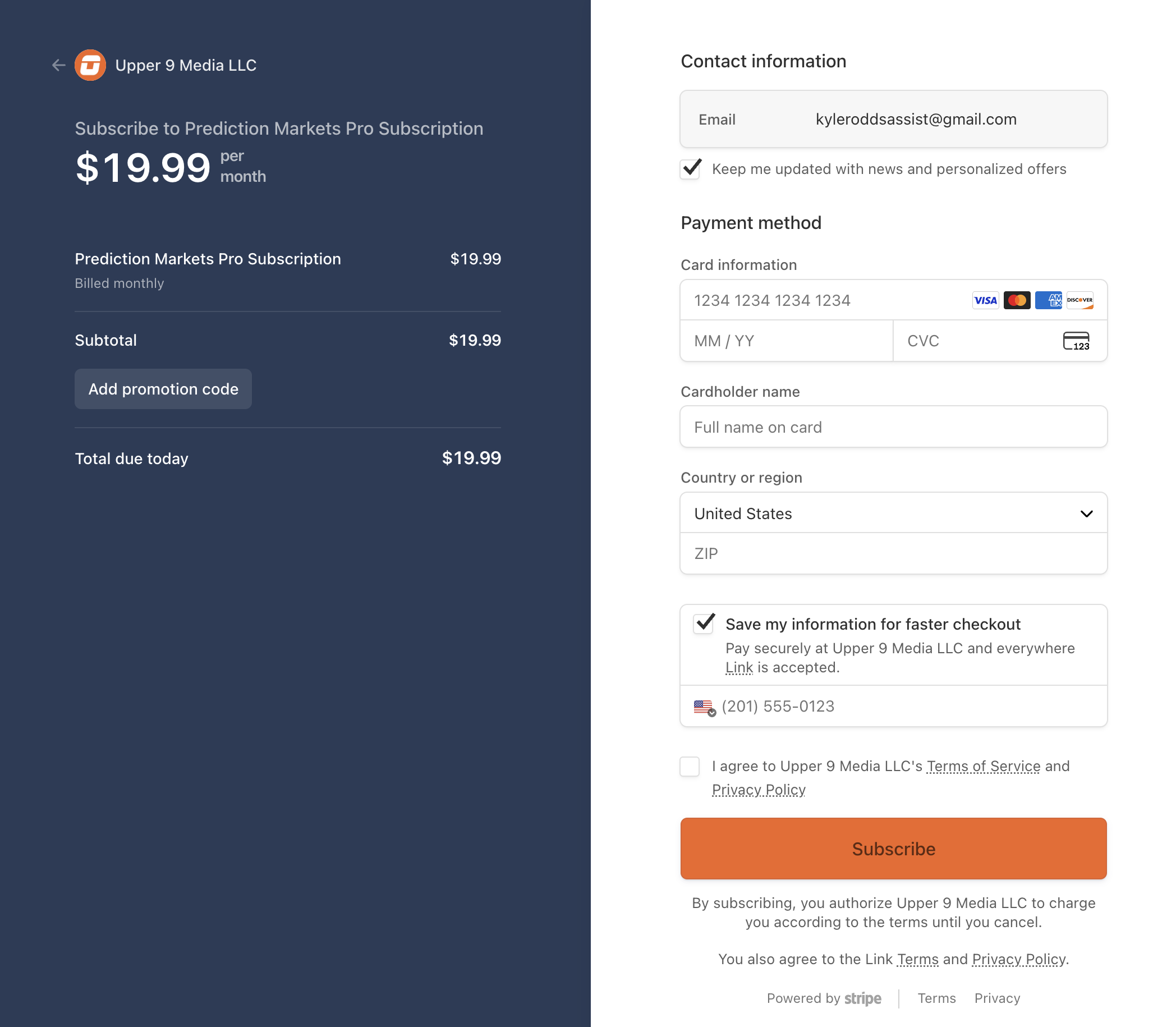
3) Complete checkout in Stripe
All of our payments go through Stripe—one of the world's largest payment processors. Complete the secure checkout at Stripe to activate your subscription.
4) Start using Prediction Markets Pro!
Once your payment is processed, you'll have unlimited access to:
- Earnings Mentions – Access historical data for hundreds of companies
- Politics Mentions – Track historical mentions in weekly political prediction markets
- Trump Executive Orders – Historical data for Trump's weekly EO signing markets
- Trump Presidential Actions – Historical data for "Will Trump do anything this week?" markets
- Mamdani Executive Orders – Historical data for Mamdani's weekly EO signing markets
- Trump Late Night Truth Social – Historical data for Trump's late-night Truth Social posting markets
- Trump Truth Social Posts This Week – Historical data for Trump's weekly Truth Social post count markets
- Trump Deleted Truth Social Posts – Historical data for Trump's deleted Truth Social post markets
- YouTube Daily Views – Historical daily YouTube view data for music artists' highest daily view count markets
You'll also get historical data going back multiple quarters/games and real-time updates as new mention data is collected.
Want to see what's included in each plan? Check out Free vs. paid plans. To manage or cancel your subscription later, see How to update or cancel your subscription.